 Albania
 Argentina
 Australia
 Austria
 Belgium
 Bosnia and Herzegovina
 Brazil
 Bulgaria
 Canada
 Chile
Chile
 Colombia
 Croatia
 Czech Republic
 Denmark
 Estonia
 Finland
 France
 Germany
 Greece
 Hungary
 Ireland
 Italy
Italy
 Latvia
 Lithuania
 Luxembourg
 Mexico
 Moldova
 Montenegro
 Netherlands
 New Zealand
 North Macedonia
 Norway
 Philippines
 Poland
 Portugal
 Romania
 Serbia
 Slovakia
 Slovenia
 South Africa
 Spain
Spain
 Sweden
 Switzerland
 Turkey
 Ukraine
 United Kingdom
 United States of America







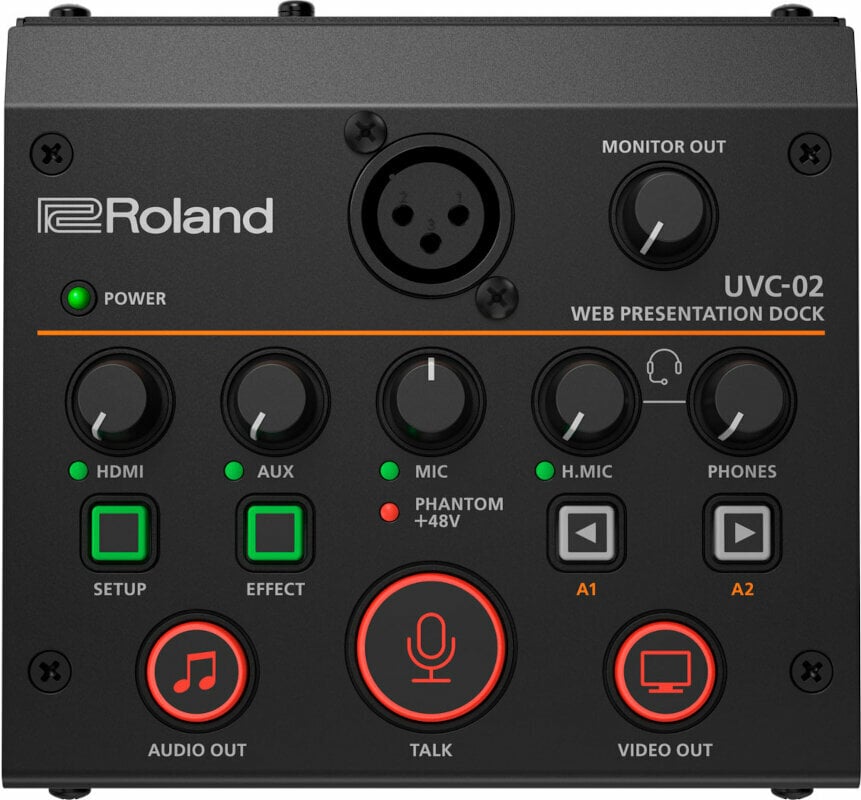
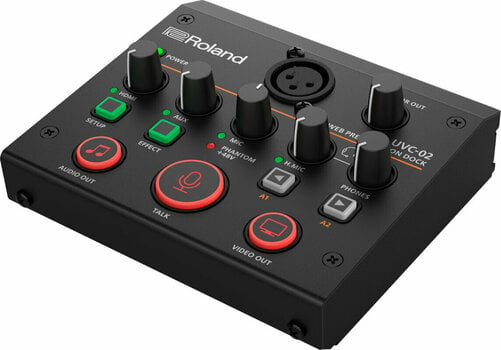
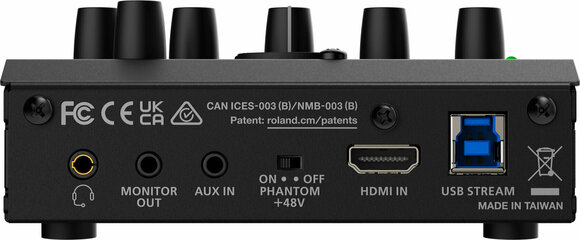
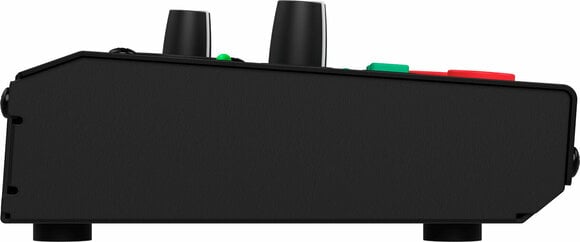
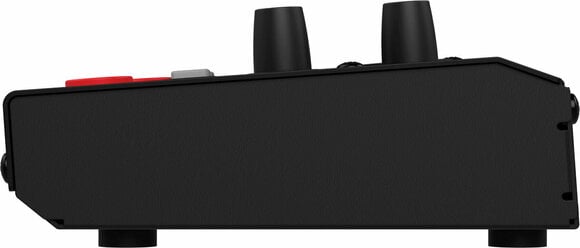

- Number of Channels: 3
- Inputs: AUX IN, HDMI, XLR
- Outputs: Headphone Jack 3,5mm, Jack 3,5 mm, USB
- Resolution: 1080p, 1280x1024, 1600x1200, 1920 x 1080, 480p
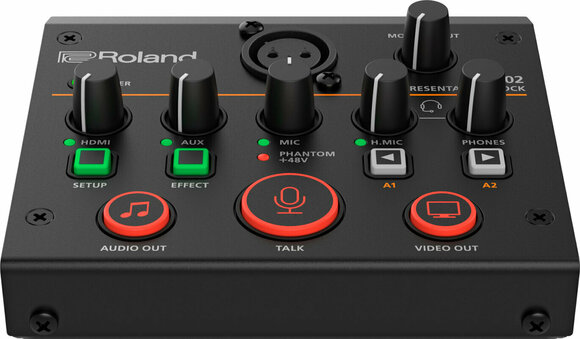
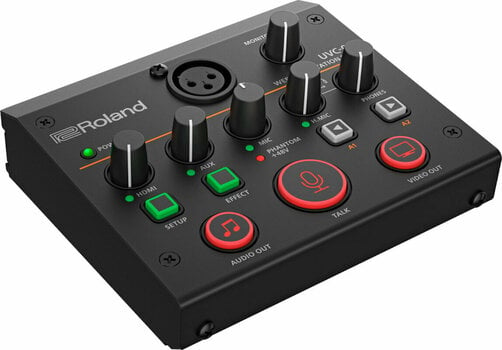
Roland UVC-02 Web Presentation Dock Video/AV Mixer
Video streaming for business and pleasure has become a regular part of life. But you’ll never look and sound your best with the webcam and microphone in your average computer. The Roland UVC-02 Web Presentation Dock helps you bridge the gap, providing a simple and affordable way to level up your video presentations with higher quality audio/visual gear and more control.
The UVC-02 is a compact broadcast control center that fits comfortably on your desktop. It allows you to connect a high-quality HDMI camera, pro microphone, and other audio sources and send them directly to meeting and streaming platforms on your computer via a single USB cable. And with an array of hands-on knobs and switches at your fingertips, you can easily control the action without ever touching your mouse or computer keyboard.
- Convenient and affordable desktop docking station to upgrade your business streaming with pro-level audio and video
- Inputs for a DSLR or other high-quality camera, an XLR microphone, and stereo audio sources
- HDMI video input supports embedded sound and features automatic scaling for different video resolutions
- Studio-grade sound with Roland’s acclaimed digital audio technology
- Plug and play operation—automatically appears as a webcam and audio source in your favorite streaming software
- Enhance your streams with professional audio processing, sound effects, and the unique Voice Change effect
- Hands-on control of volume levels plus audio and video muting
- Assignable buttons for customizable control, configurable with free UVC-02 software for macOS and Windows

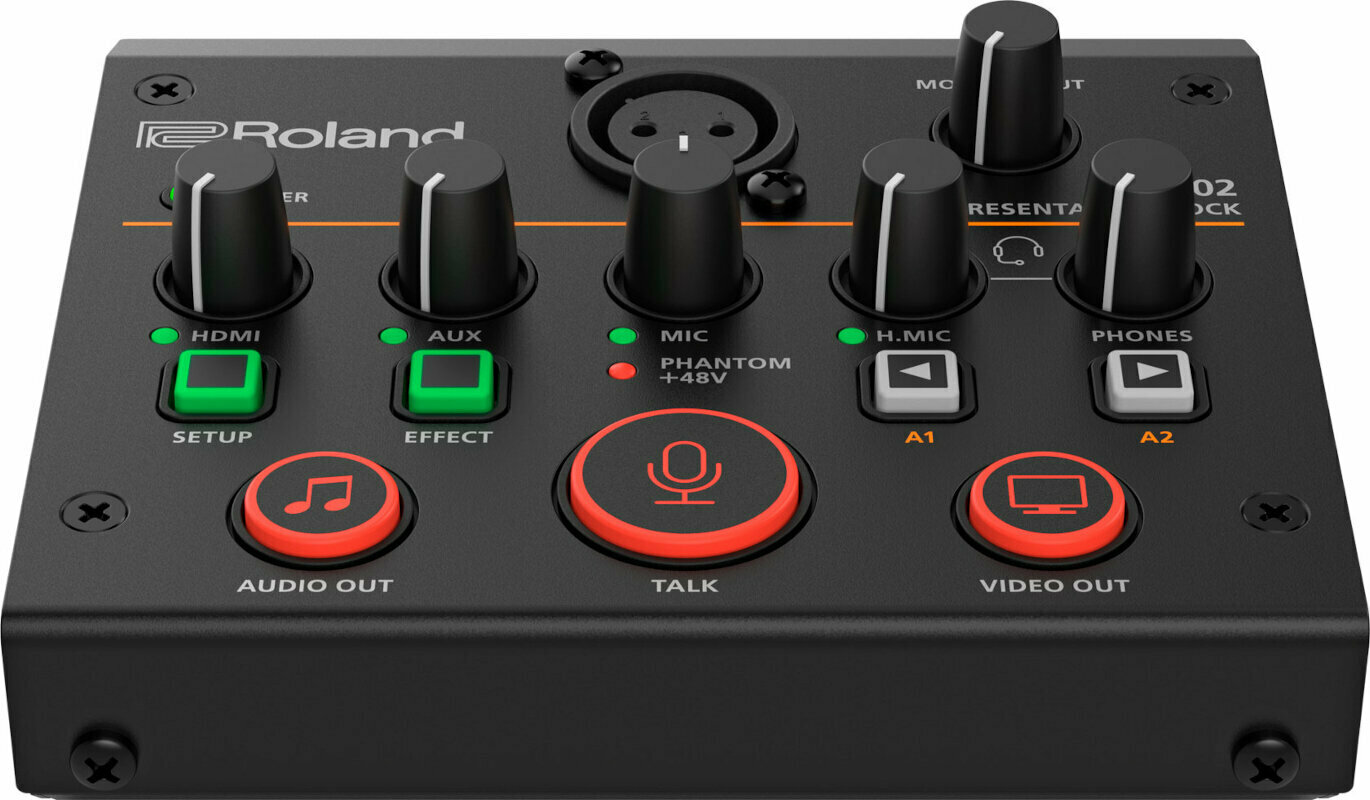
Inputs
- HDMI
- XLR
- AUX IN
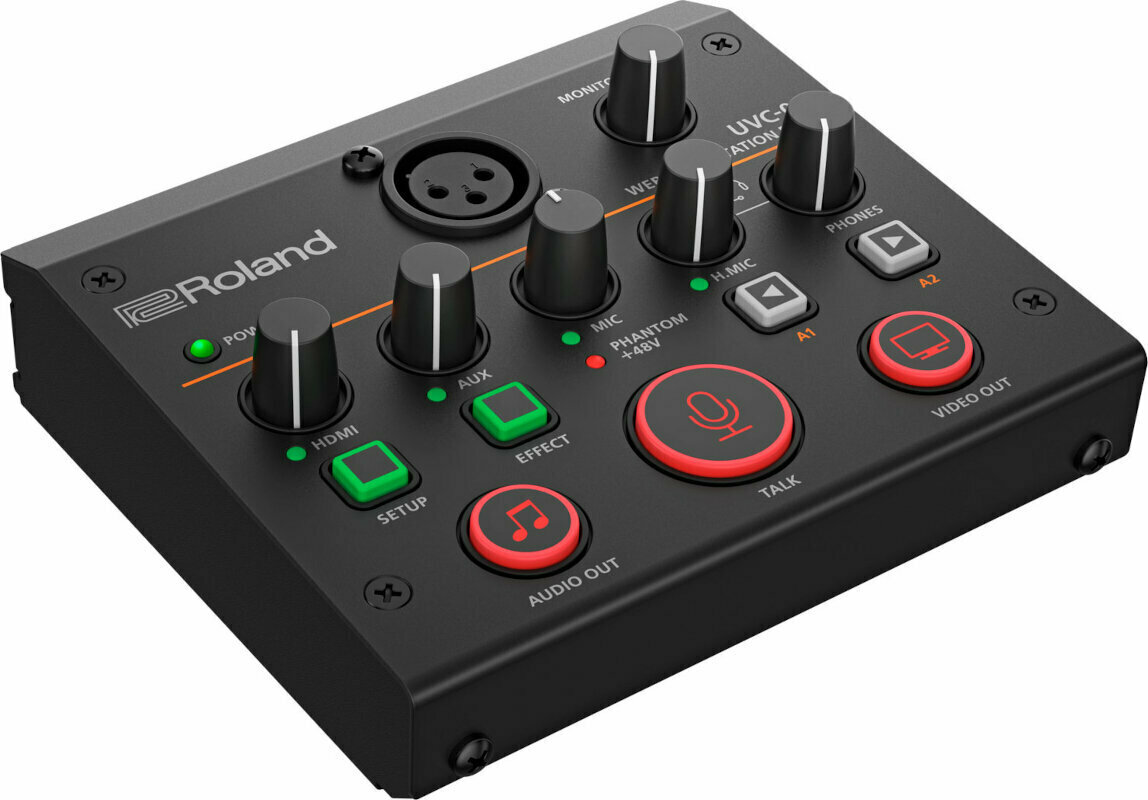
Outputs
- Headphone Jack 3,5mm
- Jack 3,5 mm
- USB
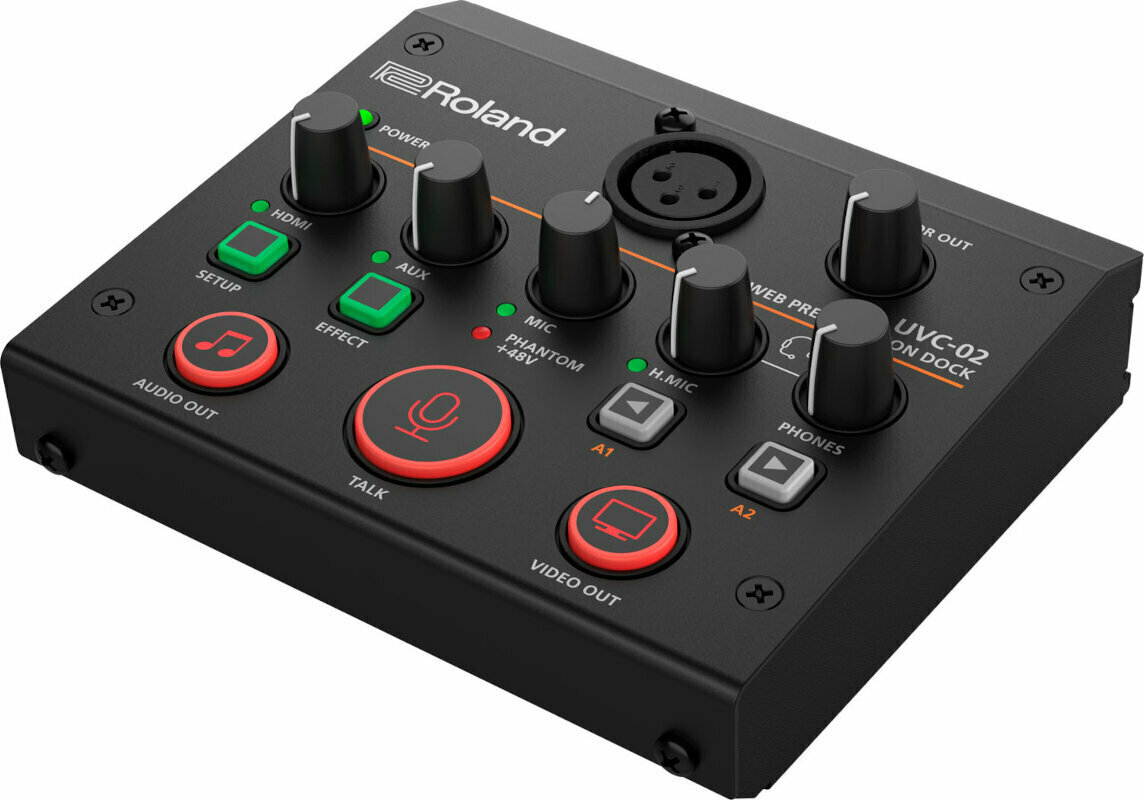
Resolution
- 1080p
- 1280x1024
- 1600x1200
- 480p
- 1920 x 1080

Тype
Battery Operation
No
Power Supply
USB
Made in
Taiwan


Documents
Instructions for use
Safety instructions
Please refer to the user manual for the specific safety instructions for this product.


