Albania
 Argentina
 Australia
 Austria
 Belgium
 Bosnia and Herzegovina
 Brazil
 Bulgaria
 Canada
 Chile
Chile
 Colombia
 Croatia
 Czech Republic
 Denmark
 Estonia
 Finland
 France
 Germany
 Greece
 Hungary
 Ireland
 Italy
Italy
 Latvia
 Lithuania
 Luxembourg
 Mexico
 Moldova
 Montenegro
 Netherlands
 New Zealand
 North Macedonia
 Norway
 Philippines
 Poland
 Portugal
 Romania
 Serbia
 Slovakia
 Slovenia
 South Africa
 Spain
Spain
 Sweden
 Switzerland
 Turkey
 Ukraine
 United Kingdom
 United States of America



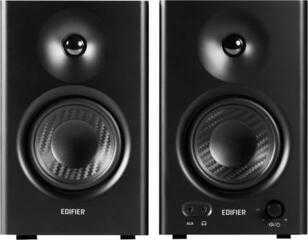
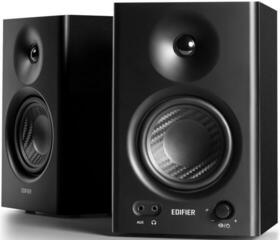
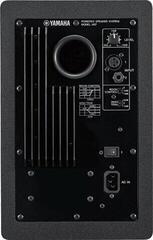
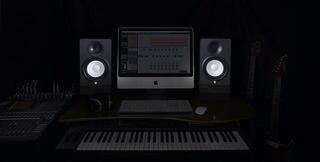
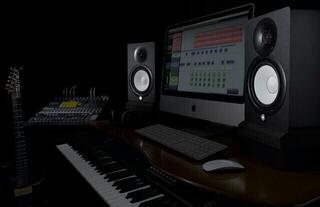
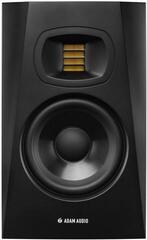
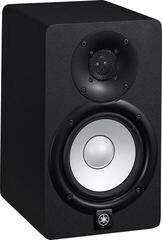
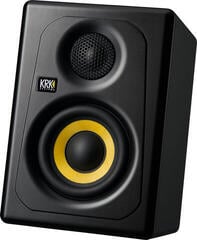
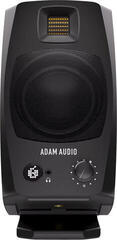
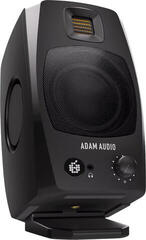
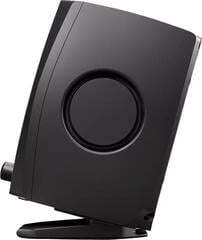
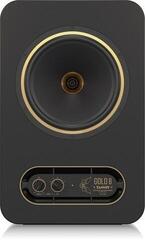
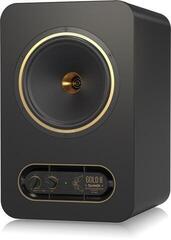
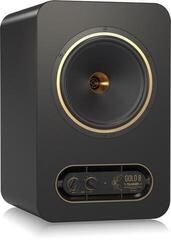
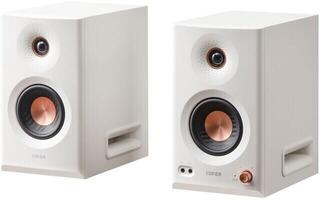
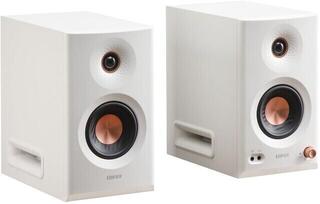
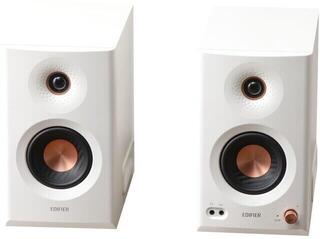
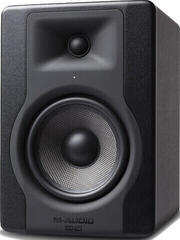
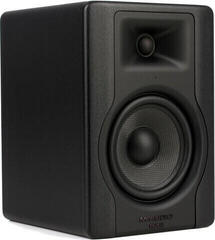
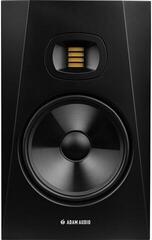
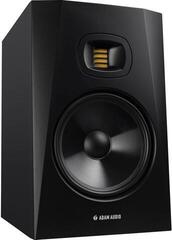
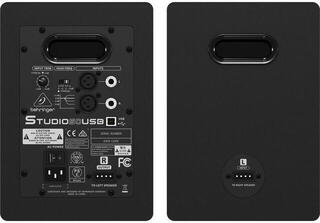
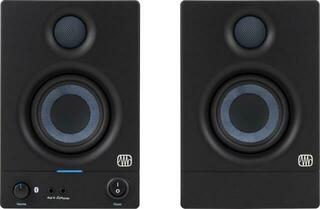
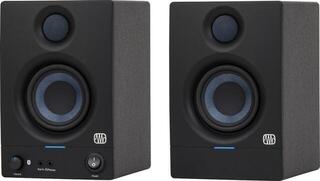
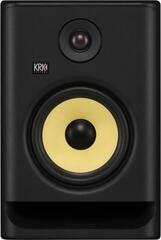
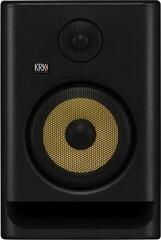
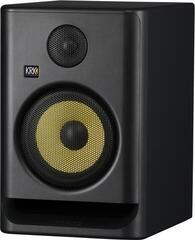
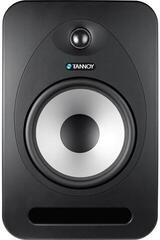
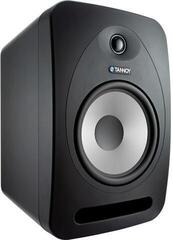
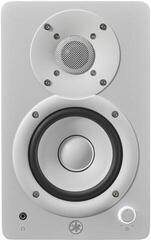
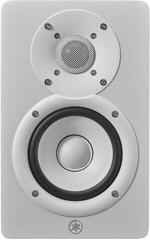
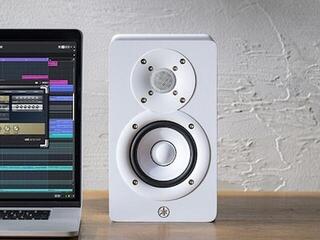
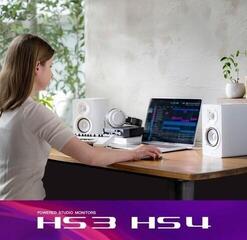
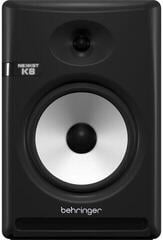
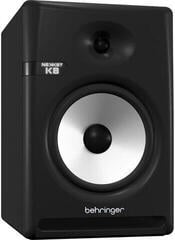
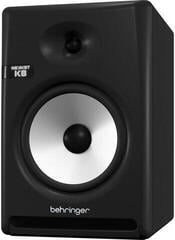
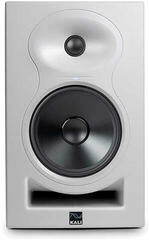
Active Studio Monitors
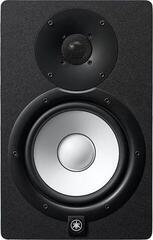
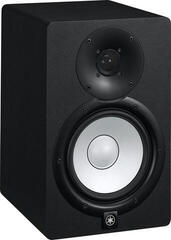
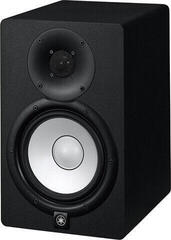
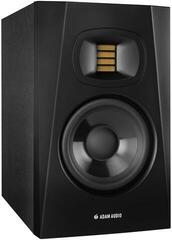
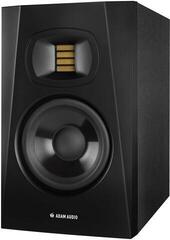
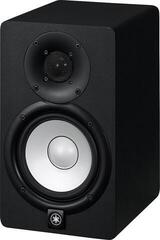
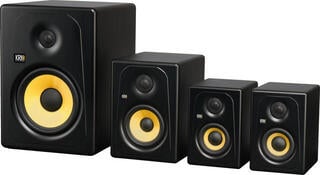
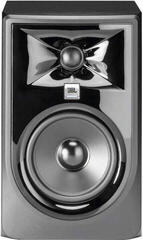
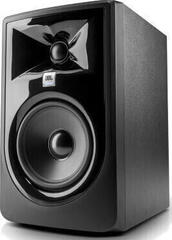
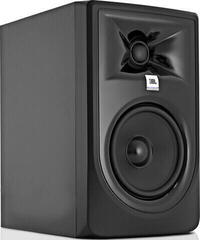
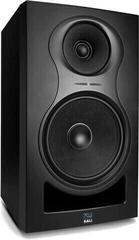
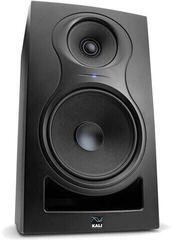
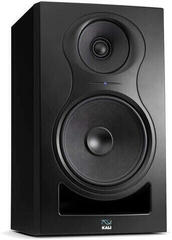
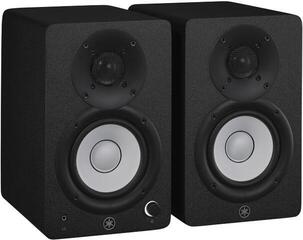
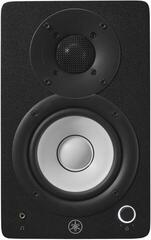
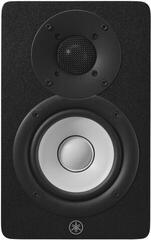
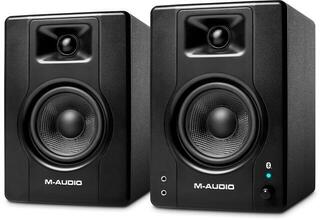
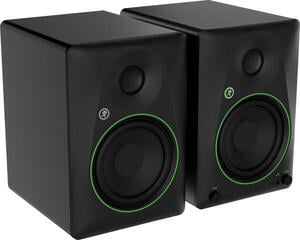
Active studio monitors have amplification built into the cabinet, so you can connect them directly to a suitable line output on an audio interface, monitor controller or mixing console. They are used to assess recordings, mixes and masters, where you need to hear the balance and flaws without deliberate colouration. Your choice depends on more than woofer size: consider the room, listening distance, inputs and room-adjustment controls. The pair must be positioned and set up correctly; even the right model cannot compensate for poor acoustics or an asymmetrical workstation.
Nearfield, midfield and longer-distance monitoring
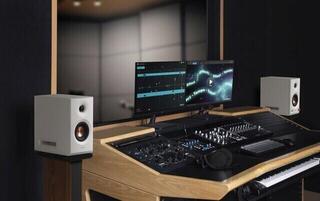
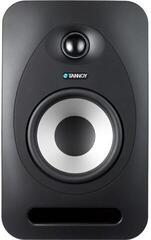
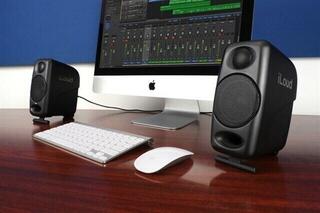
Nearfield monitoring is most common in home studios: the monitors sit fairly close to the listener, so direct sound outweighs room reflections. A larger cabinet does not automatically make decisions more accurate. In a small room, stronger low-frequency output may emphasise room problems, while a monitor that is too small may not reveal the lowest frequencies your work requires.
Listening distance depends on the design and manufacturer's recommendations. The tweeter and woofer must integrate properly at the listening position, so do not place a monitor arbitrarily close to your head or at the far end of the room. If you work at a wide desk or console, account for reflections from its surface. The broader studio monitors category can help you compare the available types.
| Choice | Benefit | Possible compromise |
|---|---|---|
| Compact two-way monitor | Easier placement at a shorter distance | Less control over the lowest frequencies |
| Larger two-way monitor | Deeper bass and more level headroom, depending on the model | Greater demands on space and acoustics |
| Three-way monitor | Dedicated reproduction of the midrange | Larger size, different ideal distance and more complex placement |
| Monitor with subwoofer | Low-frequency monitoring and reduced load on the main monitors | More demanding crossover, level and phase setup |
Number of ways and design
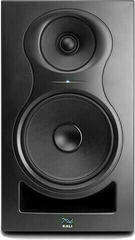
A two-way monitor divides the signal between a bass/mid driver and a tweeter. This design is common in compact and larger models and, in a sensibly planned setup, covers many home and project studios. Three-way active monitors add a dedicated midrange driver, which can change the presentation of frequencies important to voices and many instruments. If this design interests you, browse 3-way active studio monitors.
A 2,5-way designation means the drivers share their duties differently from a conventional two- or three-way model; the exact arrangement varies. A single-driver design can provide an alternative check of the midrange and mix translation rather than automatically serving as a simpler replacement for the main pair. The number of ways alone does not reveal how a monitor sounds. Measurements, crossover design, distortion and suitability for the intended distance matter.
Pair, single unit and orientation
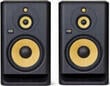
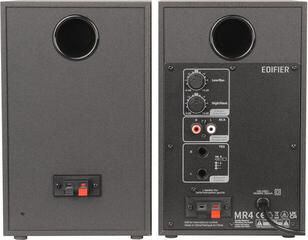
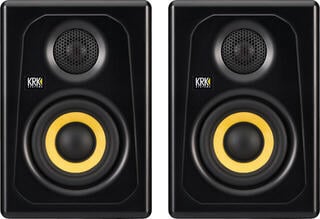
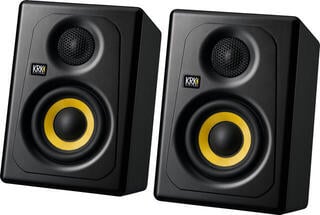
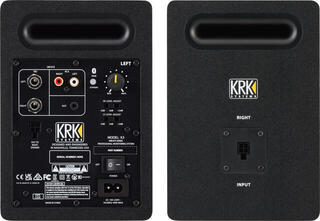
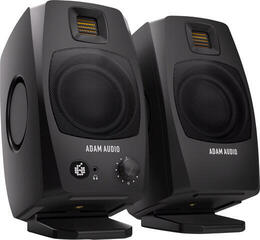
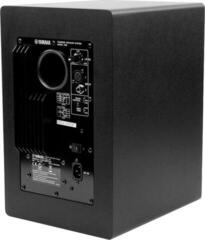
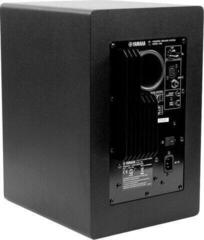
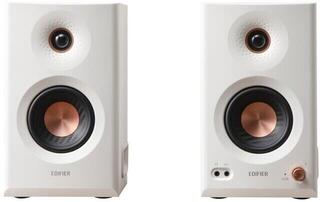
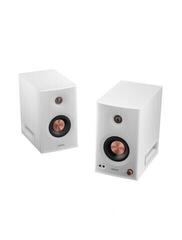
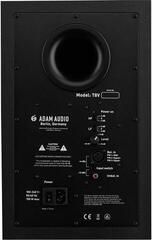
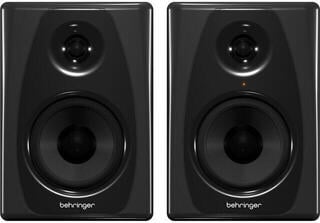
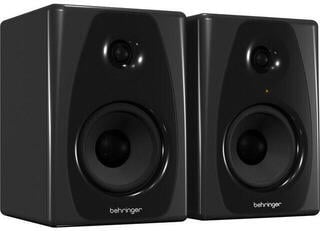
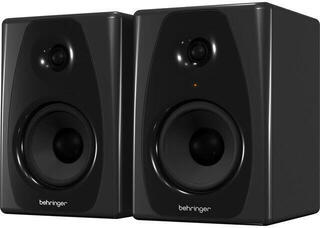
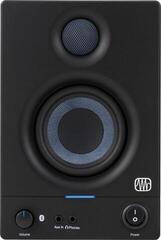
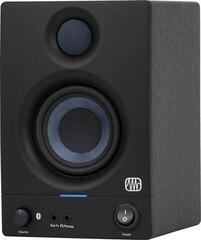
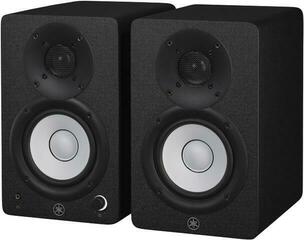
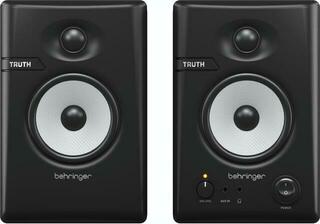
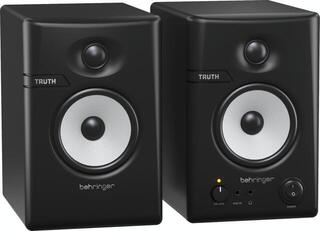
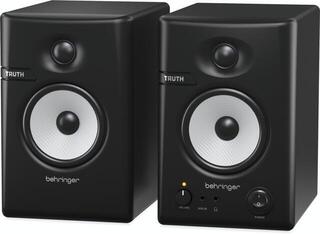
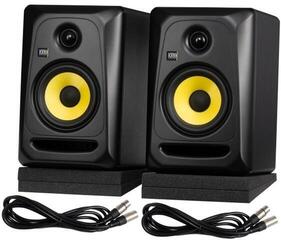
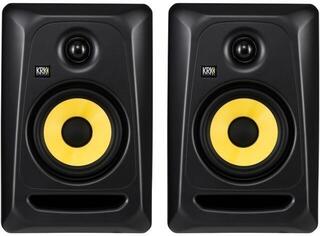
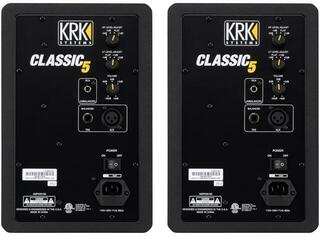
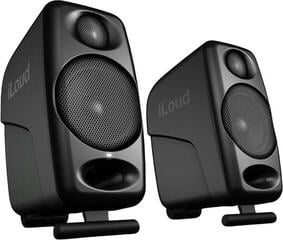
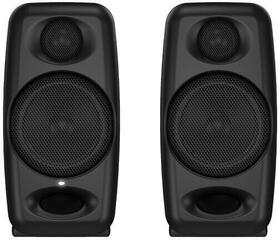
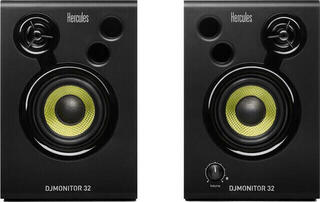
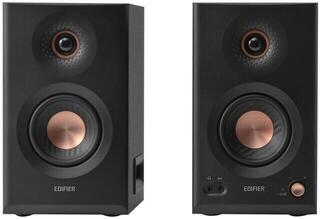
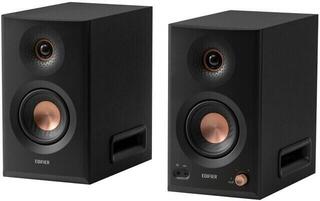
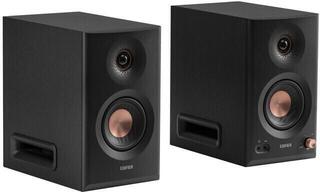
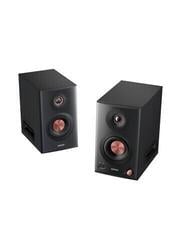
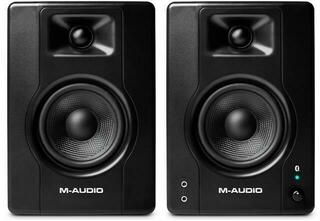
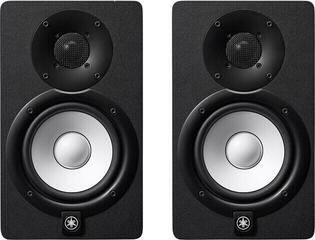
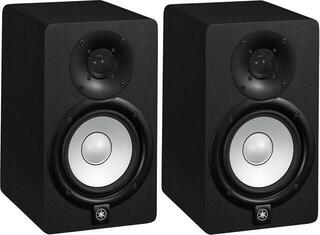
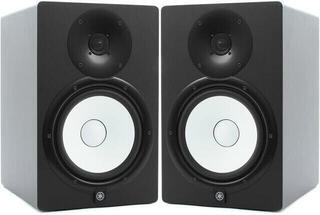
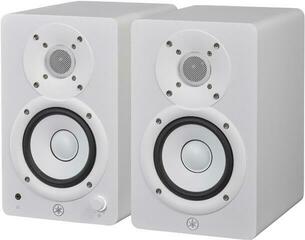
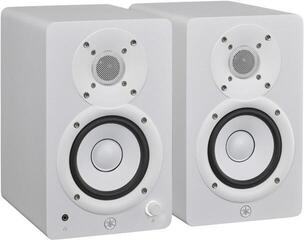
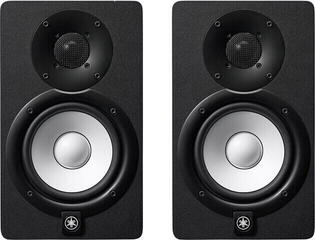
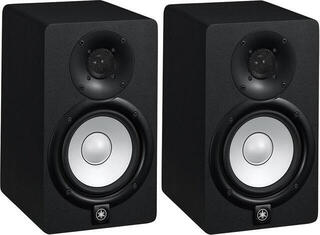
Normal stereo work requires two matching monitors. Always check whether a product is sold individually or as a pair; a photo showing two units does not prove what is included. One monitor may make sense as a centre channel, a replacement for the same model or a mono reference. Set both sides of a pair identically and feed them from equivalent outputs.
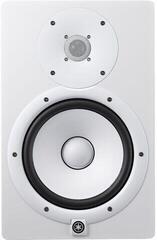
Not every monitor is designed to lie on its side. Changing orientation alters driver dispersion and may disrupt the stereo image. Follow the manufacturer's guidance and, where a rotating tweeter module is fitted, use the recommended position. Tweeters are commonly placed around ear height, although the final position depends on the design.
Find the right position first
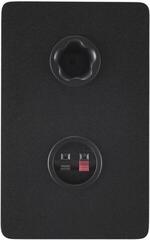
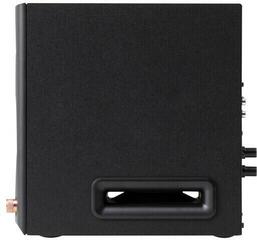
The left monitor, right monitor and your head should form a symmetrical listening arrangement. Equal distances from the side walls help maintain a balanced stereo image. The exact distance from the front wall depends on the bass reflex design, room dimensions and manufacturer's advice. There is no simple rule that a rear port must always be far from a wall or that a front-ported monitor can go anywhere.
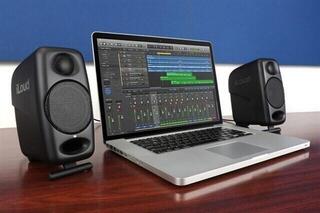
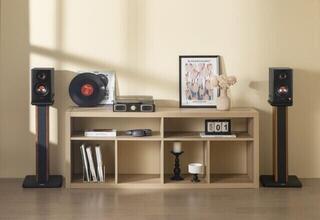
Isolate monitors from the desk and furniture with suitable pads or stands. Studio monitor isolation pads can reduce vibration transfer and adjust the angle, but cannot fix room resonances. Dedicated studio monitor stands allow more freedom away from the desktop. In both cases, check load capacity, support-surface dimensions and stability.
Room acoustics and measurement
Address the listening and monitor positions before using correction switches. Bass traps, absorption panels and diffusion serve different purposes; covering a room at random with soft foam may deaden the treble while leaving bass problems untouched. The studio acoustic treatment category can help you plan changes, but selection and placement should follow the room and measurements.
- Listen to test signals and familiar recordings from the working position, not by a wall.
- Move both monitors symmetrically and record each change so you can return to the previous position.
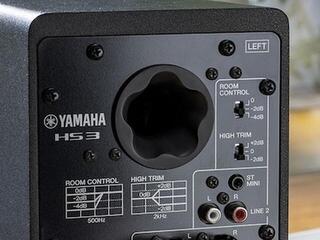
- Use boundary bass correction as instructed, not as a substitute for acoustic treatment.
- Treat automatic calibration as an aid; it may not correct physical nulls caused by the room.
Inputs, volume control and noise
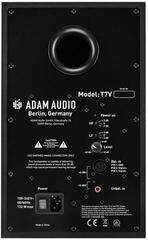
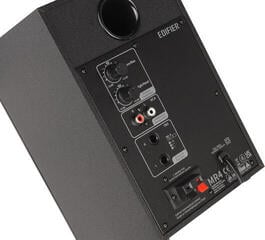
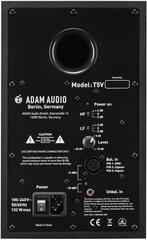
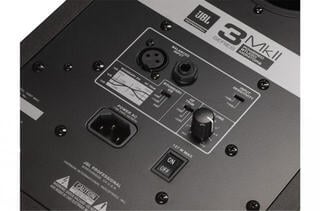
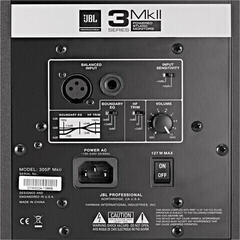
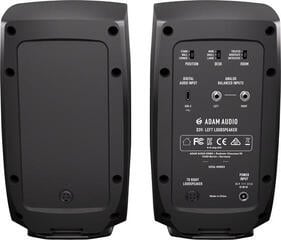
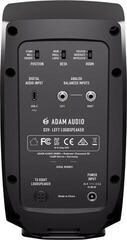
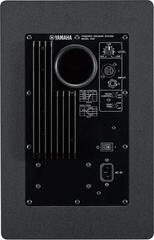
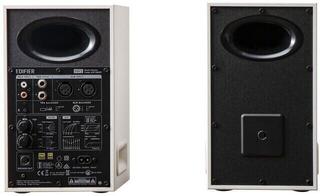
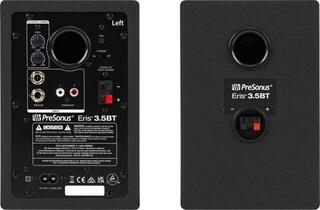
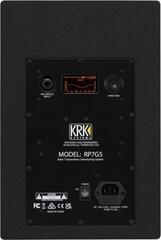
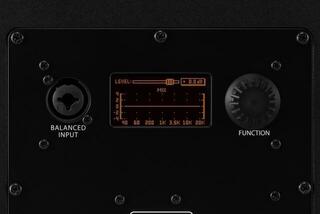
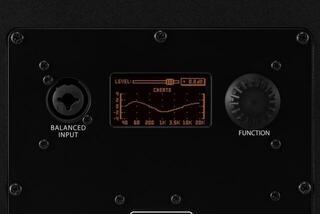
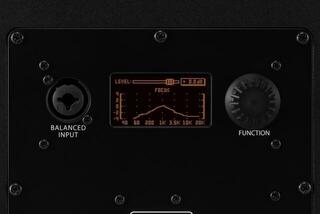
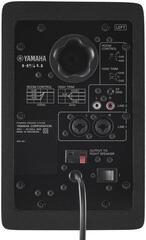
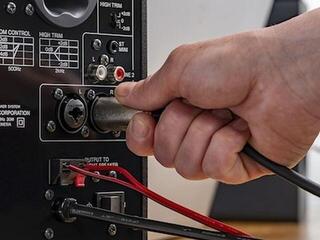
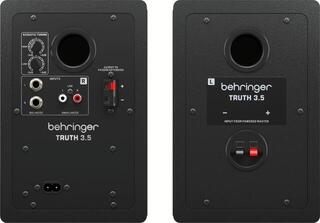
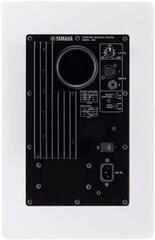
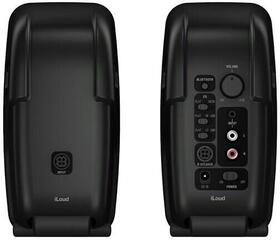
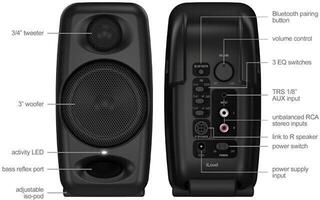
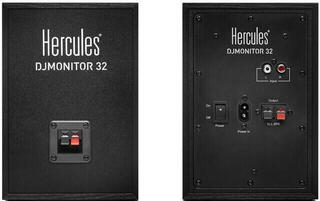
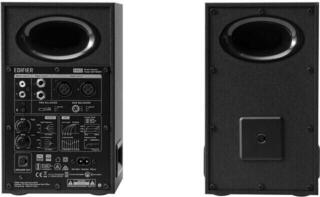
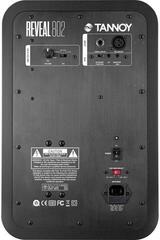
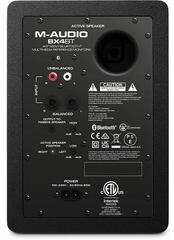
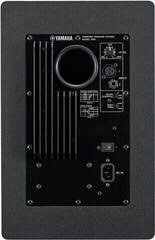
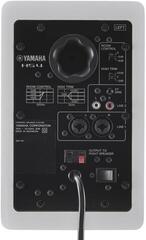
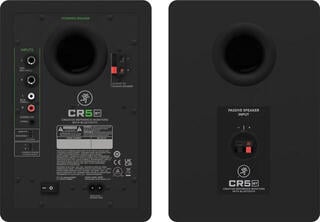
Professional monitor connections often use balanced XLR or TRS connectors, which help reduce interference in a correctly wired setup. Some models also have an unbalanced input. Compare the outputs of your audio interface before buying and choose suitable cables without unnecessary adapters. A digital input can be useful, but it must match the source format and volume-control method.
Set rear-panel sensitivity equally on both monitors and control everyday volume from an accessible controller or interface. Working continuously at high levels tires your hearing and distorts judgement; mix at a moderate level most of the time and briefly check both quieter and louder. If you hear hum, investigate power, cable routing and ground loops rather than turning up the volume.
Add a subwoofer only with a plan
A subwoofer can extend low-frequency monitoring, but adds another crossover, position, level and phase adjustment. In a small untreated room, it may emphasise irregularities rather than solve them. Before adding one, measure the main monitors at the listening position and decide whether your work genuinely requires judging the lowest frequencies. Verify the setup with familiar recordings and by checking how mixes translate to other playback systems.
A practical selection process
- Measure the room, desk and actual listening distance.
- Define the lowest range you need to assess and a suitable listening level.
- Compare inputs, controls, correction options and whether the price is for one unit or a pair.
- Plan stable stands or pads and symmetrical placement.
- After installation, set levels, check phase and listen to familiar tracks.
Each active monitor needs its own power supply and a suitable signal source. Your choice therefore covers the complete monitoring path: room, position, converter and working distance. A pair whose setup you can reproduce and whose behaviour you know from your own mixes is more useful than one impressive specification in isolation.