Albania
 Argentina
 Australia
 Austria
 Belgium
 Bosnia and Herzegovina
 Brazil
 Bulgaria
 Canada
 Chile
Chile
 Colombia
 Croatia
 Czech Republic
 Denmark
 Estonia
 Finland
 France
 Germany
 Greece
 Hungary
 Ireland
 Italy
Italy
 Latvia
 Lithuania
 Luxembourg
 Mexico
 Moldova
 Montenegro
 Netherlands
 New Zealand
 North Macedonia
 Norway
 Philippines
 Poland
 Portugal
 Romania
 Serbia
 Slovakia
 Slovenia
 South Africa
 Spain
Spain
 Sweden
 Switzerland
 Turkey
 Ukraine
 United Kingdom
 United States of America



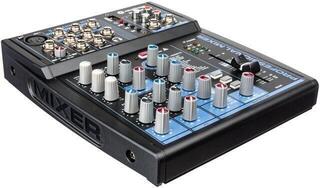
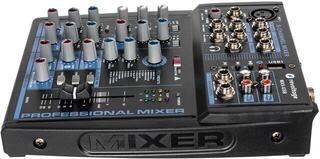
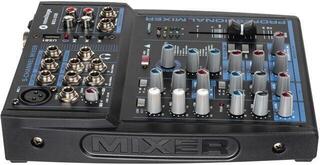
Analogue Mixing Desks
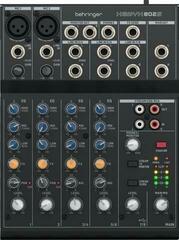
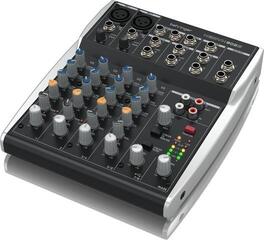
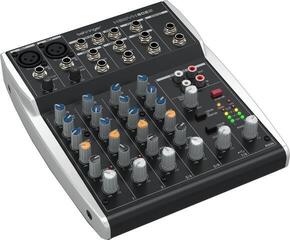
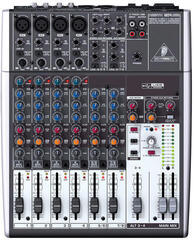
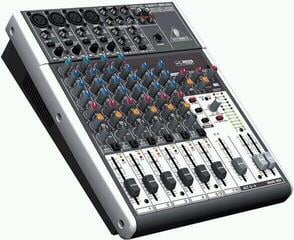
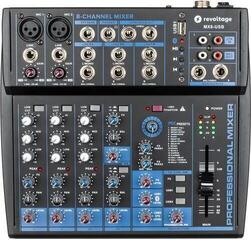
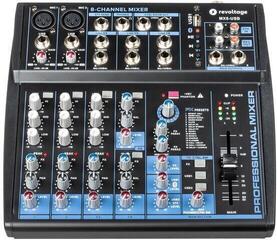
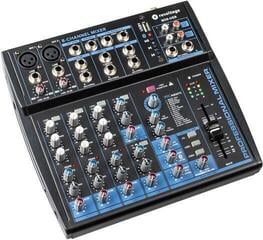
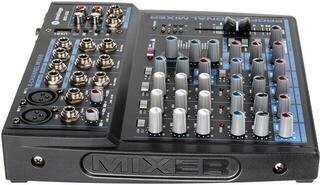
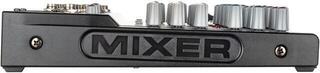
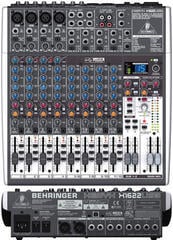
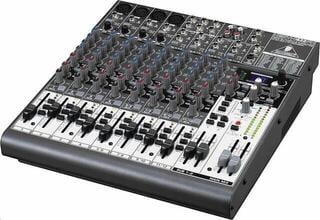
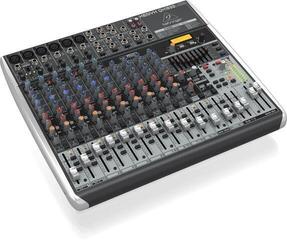
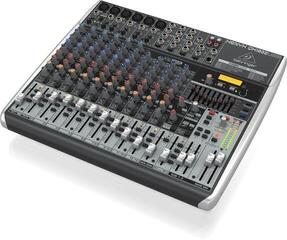
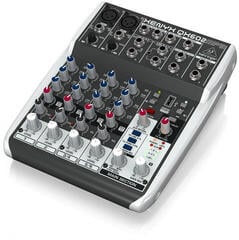
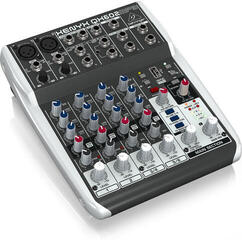
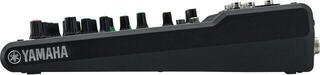
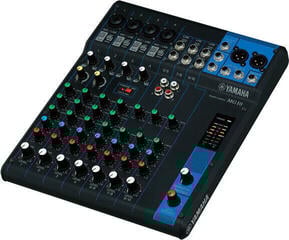
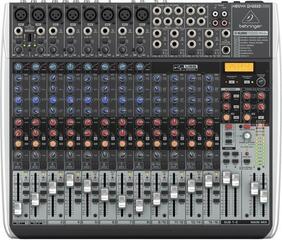
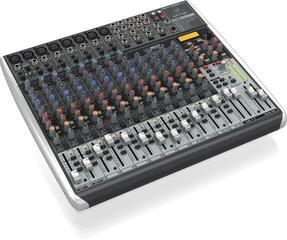
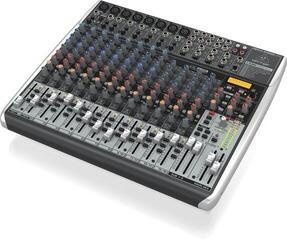
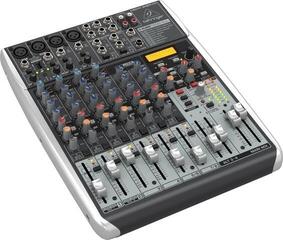
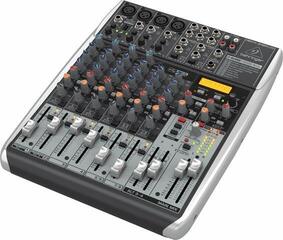
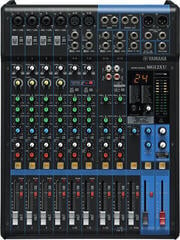
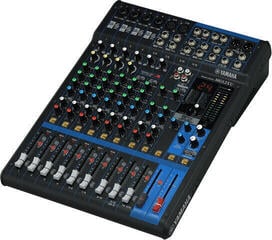
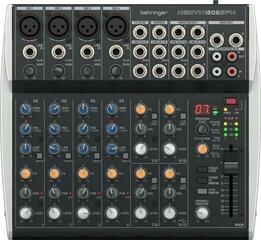
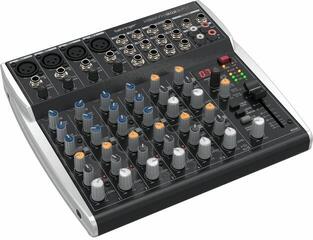
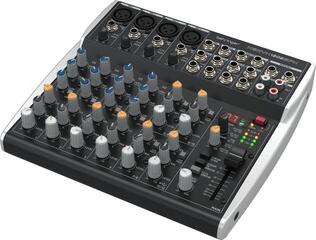
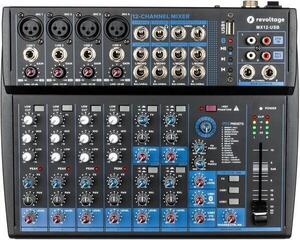
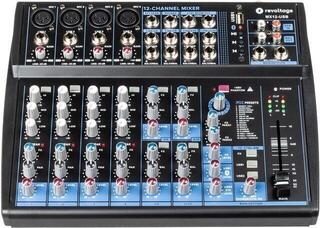
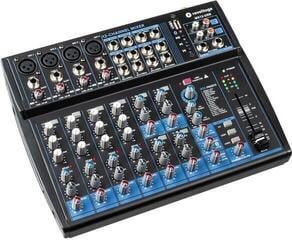
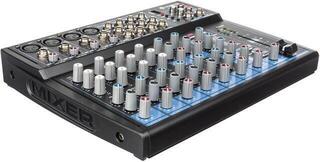
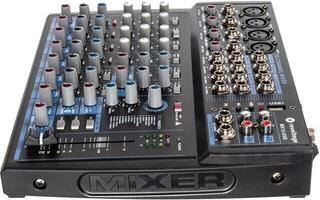
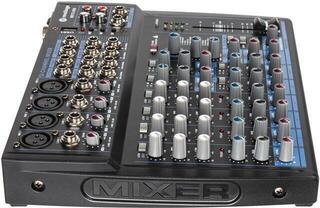
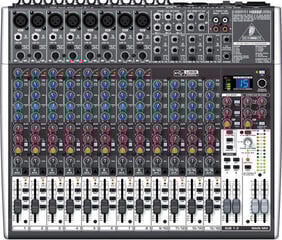
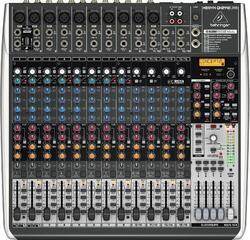
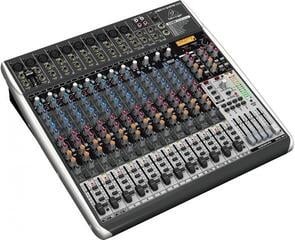
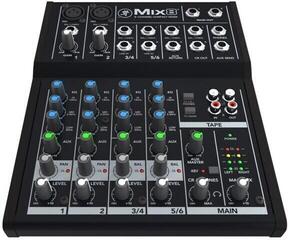
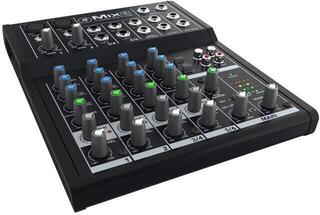
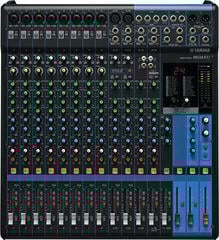
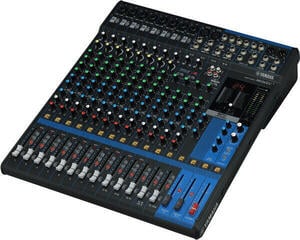
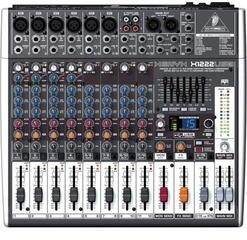
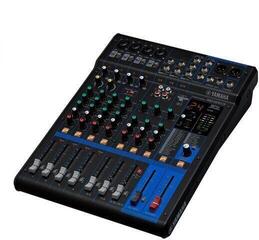
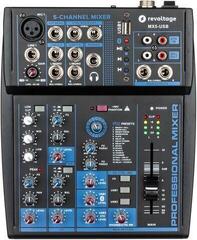
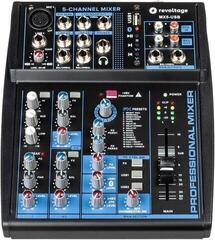
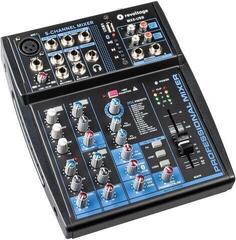
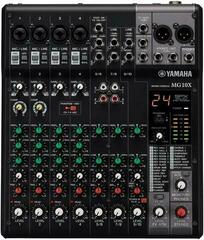
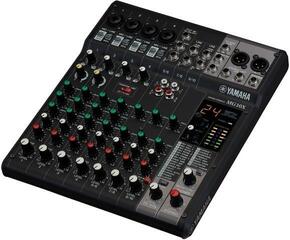
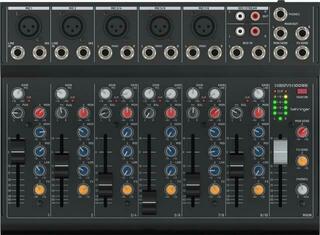
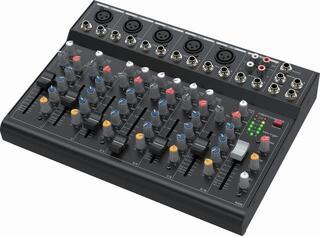
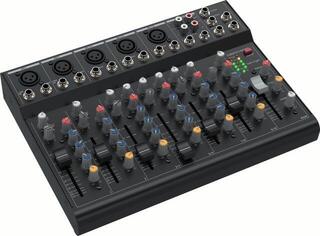
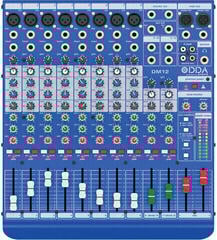
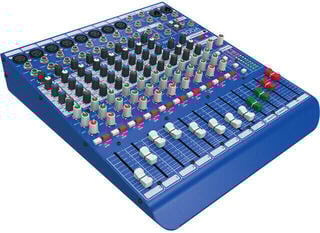
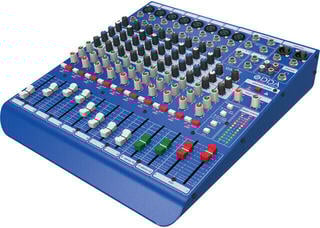
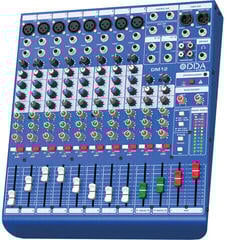
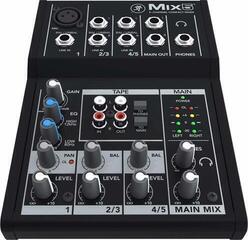
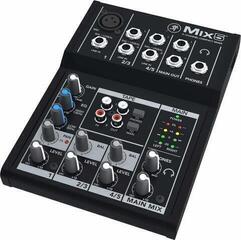
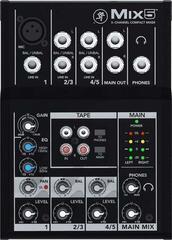
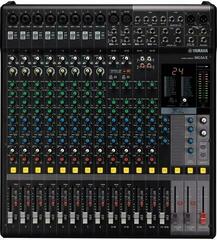
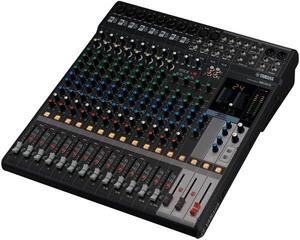
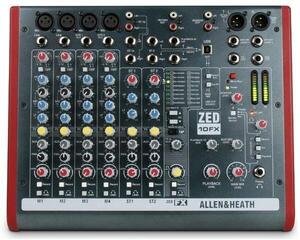
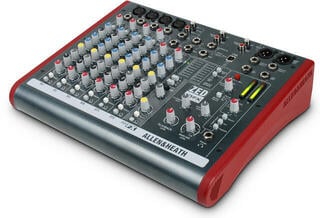
An analogue mixing console processes sound through an analogue signal path, with most functions controlled directly by separate knobs, switches and faders. It is suitable for rehearsals, live sound, home recording and simple spoken-word programmes, provided you choose the right number and type of inputs. Console size is determined not only by the number of musicians but by all sources, monitor paths, effects and outputs. Therefore, write down the connections needed for the most demanding situation that regularly occurs — for example, a concert by the entire band rather than an exceptional guest appearance.
Determining the channel count starts with a source list
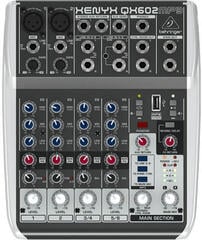
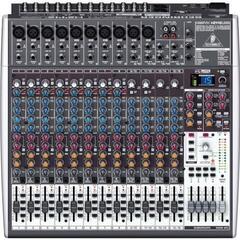
Count every microphone, instrument, stereo player and external effect return. Depending on the console design, a stereo source may occupy a stereo channel or a pair of mono channels. One or two spare inputs are useful for a guest or an additional microphone. However, leaving half the console unused means a larger enclosure, more weight and slower navigation. Mixing consoles with up to 10 channels are suitable for fewer sources; a larger band first needs an accurate input list and only then the appropriate class of console.
| Situation | What to include | Common limitation |
|---|---|---|
| Spoken word or broadcast | Microphones, player, return from a computer | Too few independent outputs or only shared microphone power |
| Rehearsal room | Vocals, instruments, playback and monitoring | Not enough auxiliary buses for different monitor mixes |
| Small band | All drum microphones, vocals, instruments and effect returns | There are fewer microphone preamps than the total number of channels |
| Home recording | Sources recorded simultaneously and routing to the recorder | USB may not send every channel separately |
| Larger sound system | Inputs, groups, monitoring, recording and main outputs | Dimensions, weight and extent of cabling |
An input is not always a microphone preamp
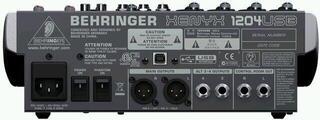
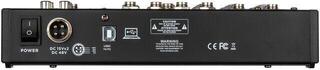
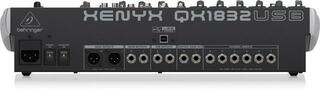
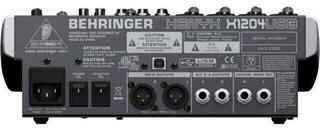
Compare the total number of channels with the number of XLR microphone inputs, line inputs and stereo channels. A condenser microphone may require phantom power; check whether it is switched on separately for each channel or for a group of inputs. Before switching on phantom power, mute the outputs and check the connected equipment according to its instructions. An instrument pickup may require an input with suitable impedance or a DI box, rather than just any line input.
Set gain before channel volume
Input gain matches the source level to the console's operating level. If it is too low, increasing the volume later will emphasise noise; if it is too high, the signal may distort before it reaches the fader. Use level metering or the PFL function, depending on the features of the specific model, and make adjustments while vocals or instruments are being performed at a realistic volume. Only then fine-tune the channel balance with the faders.
Equalisation, filters and inserted processors
A simple equaliser has fixed frequency bands; another design may also let you select the centre frequency. A high-pass filter helps remove unnecessary low frequencies from sources that are not intended to reproduce them, but its use should be assessed according to the specific signal. A channel insert point allows an external processor to be placed directly in the signal path. Built-in compression or effects save you from needing additional equipment, but check the range of controls and where the processor is routed.
Auxiliary buses determine monitoring capabilities
Each independent monitor mix needs its own suitable path. An auxiliary output set pre-fader remains less dependent on changes to the main mix, while a post-fader path is often used for an effect. Labelling and switching differ between consoles, so consult the block diagram or manual. For stage monitoring, the signal can continue to active stage monitors; the number of physical outputs must match the number of required mixes.
- Count the independent monitor mixes for the musicians.
- Add a path for an external effect if you are not using only the built-in processor.
- Check whether each auxiliary bus has its own master control and output.
- Check whether the required paths can be set pre- or post-channel fader.
A USB connection can mean different things
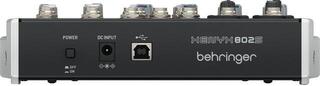
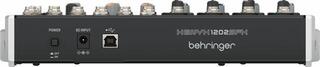
Some consoles send only the main stereo mix over USB, while others support multiple separate channels. The presence of a USB label alone is therefore not enough for multitrack recording. Find out the number of input and output channels available to the computer, the supported operating systems and driver availability. If separate recording is the main task, also compare the console with an audio interface, which may offer more suitable routing and monitoring.
Analogue or digital mixing console?
An analogue console shows most settings directly through the positions of its controls and is quick to navigate for basic work. However, after being switched off, it generally does not retain a complete scene, automated changes or detailed settings for built-in processors. Digital mixing consoles may offer scene storage, extensive processing and remote control, but require working with menus, layers and software. The choice depends on how repeatable the events are and on the complexity of routing and operation, not on one technology being universally better.
Outputs, groups and connecting the sound system
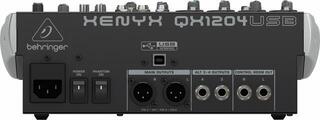
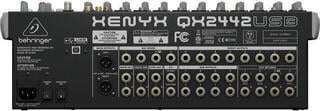
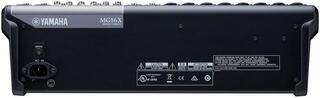
Two main outputs are often not enough. You may need a separate output for recording, a zone, a control room, a subwoofer or a group of instruments. Compare balanced connectors and levels with the inputs of the other equipment. With passive speakers, a suitable power amplifier must be placed between the console and the speakers; active speakers have amplification built in. Therefore, do not connect a standard analogue mixing console directly to a passive speaker system unless it is designed for that purpose.
Preparing the console for a rehearsal or concert
- Create an input list, label the channels and prepare the corresponding cables.
- Mute the main outputs, connect the sources and safely switch on any required power.
- Set the input gain one channel at a time at a realistic performance level.
- Create the monitor mixes, then set the main balance and only afterward add processing.
- Check the available headroom, listen for unwanted noise and verify the routing.
- If the console has no scene memory, record the layout at least with a photograph and a note about the connections.
When transporting the system, allow space for the console, power supply, cables and protective case. A large model requires a stable stand and access from the rear so that the connectors are not bent. If you repeatedly use the same connections, colour or number coding will speed up preparation and reduce the risk of mix-ups. If the setup is repeated and the operator needs to see the settings without navigating through menus, the direct control offered by an analogue console is a practical advantage.