Albania
 Argentina
 Australia
 Austria
 Belgium
 Bosnia and Herzegovina
 Brazil
 Bulgaria
 Canada
 Chile
Chile
 Colombia
 Croatia
 Czech Republic
 Denmark
 Estonia
 Finland
 France
 Germany
 Greece
 Hungary
 Ireland
 Italy
Italy
 Latvia
 Lithuania
 Luxembourg
 Mexico
 Moldova
 Montenegro
 Netherlands
 New Zealand
 North Macedonia
 Norway
 Philippines
 Poland
 Portugal
 Romania
 Serbia
 Slovakia
 Slovenia
 South Africa
 Spain
Spain
 Sweden
 Switzerland
 Turkey
 Ukraine
 United Kingdom
 United States of America



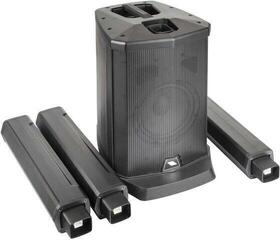
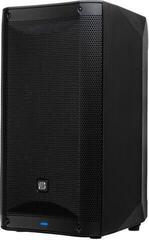
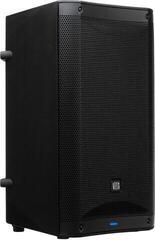
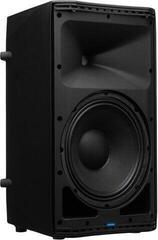
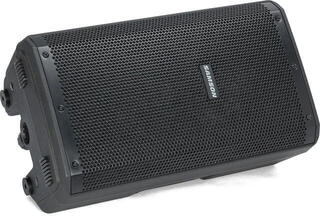
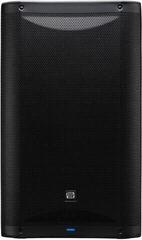
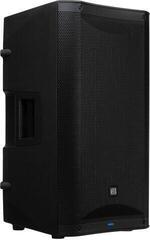
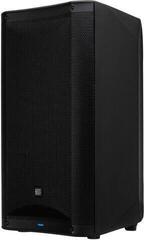
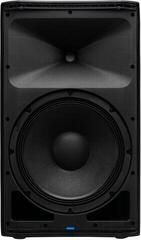
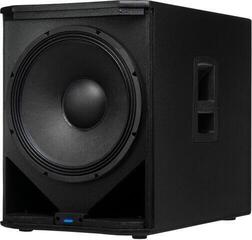
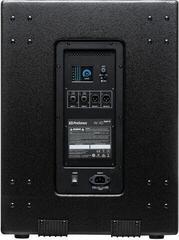
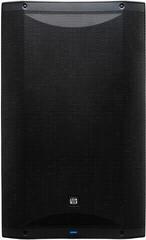
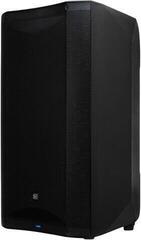
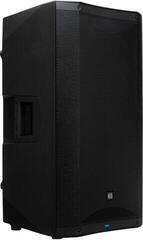
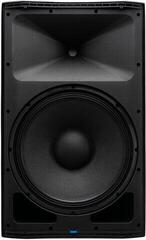
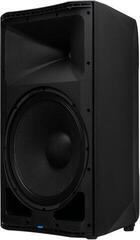
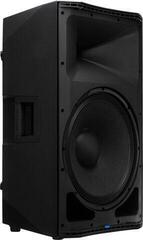
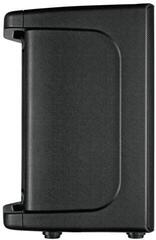
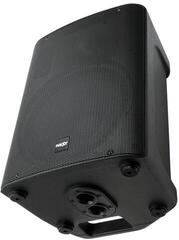
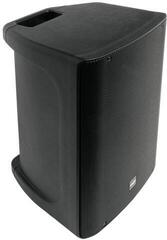
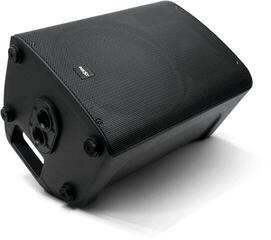
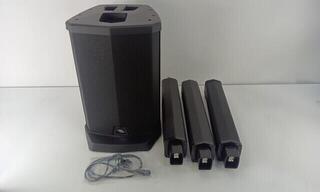
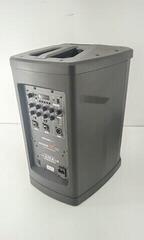
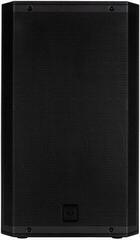
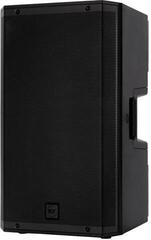
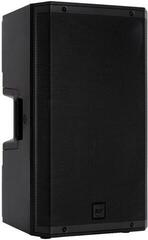
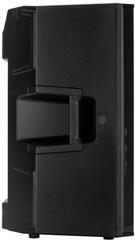
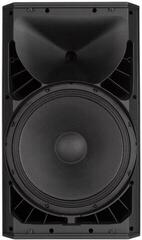
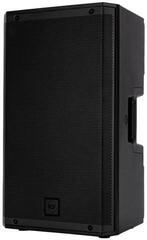
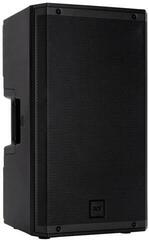
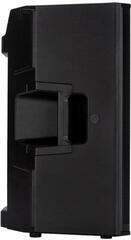
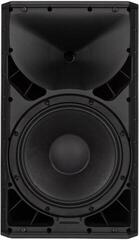
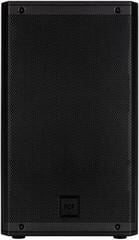
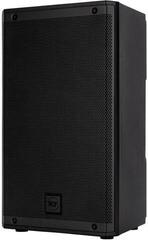
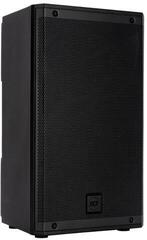
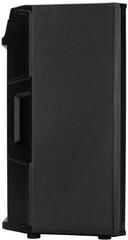
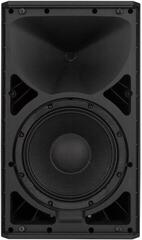
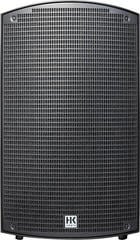
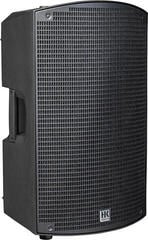
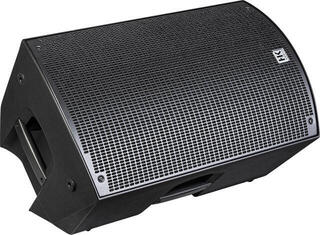
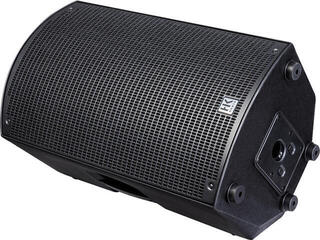
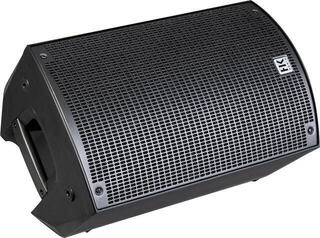
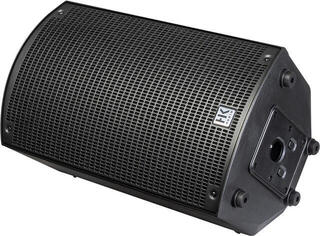
Active Loudspeaker
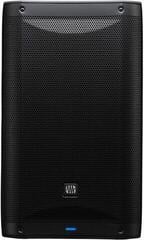
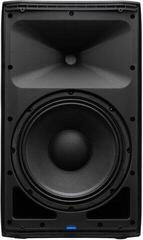
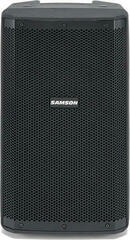
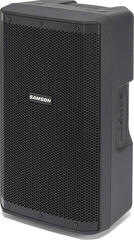
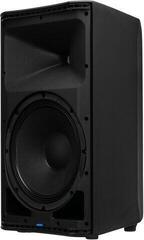
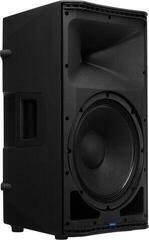
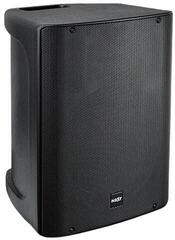
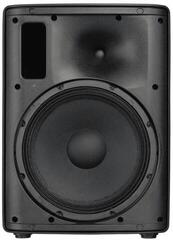
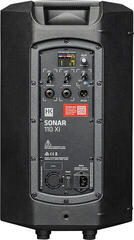
An active speaker combines drivers, an amplifier and basic controls in a single enclosure, so you do not need a separate power amplifier for sound reinforcement. It is useful for concerts, rehearsals, presentations, DJ performances and mobile events where quick connection matters. That does not mean every model accepts every signal source or covers any size of space. Start with the inputs, intended use and audience layout, then consider dimensions and power specifications.
What is inside an active speaker
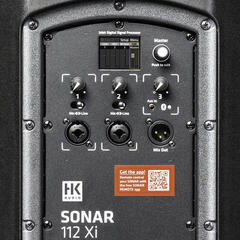
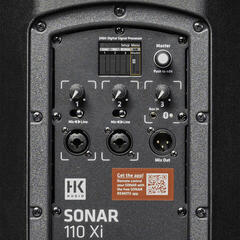
The built-in amplifier is designed for the drivers in that particular cabinet. Depending on the model, you may also get basic mixing, EQ, a limiter or processing presets, but the scope of these features varies. With suitable inputs, you can connect a microphone and a playback device directly. For multiple performers, separate monitor mixes or more detailed mixing, a mixing desk is more practical.
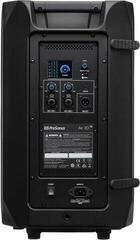
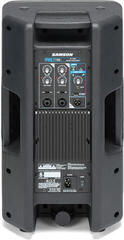
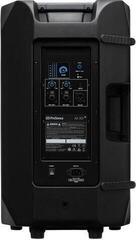
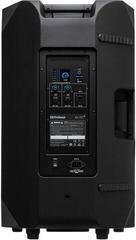
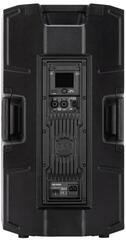
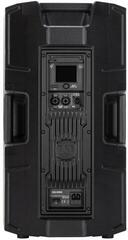
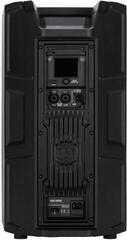
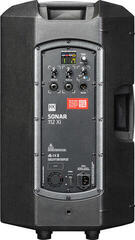
An active speaker needs both a signal cable and a power cable. Check socket positions, safe power distribution and how to connect the left and right channels before setting up on stage. An output labelled as a line output may send an unprocessed or processed signal; consult the manual for the particular model.
Comparing common applications
| Situation | Useful feature | What to check before choosing |
|---|---|---|
| Vocals and an instrument in a small system | Microphone and line inputs, simple mixing | Number of sources and independent level adjustment |
| Band with a mixer | Line input, signal pass-through and a main PA preset | Mixer outputs, cables and speaker placement |
| DJ system | Option to add bass reinforcement | Crossover frequency, outputs and transport weight |
| Speech | Clear coverage and simple controls | Reaching the audience without pointing the microphone at the speaker |
| Stage monitoring | Angled cabinet or monitor mode | Control positions and feedback risk |
Sizing the system for the space
Coverage first, figures second
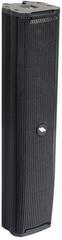
A smaller speaker is easier to carry and may be enough for speech, rehearsals or quieter performances. A larger enclosure or driver does not automatically guarantee more suitable sound. Look at the maximum sound pressure level, frequency response and, above all, dispersion angle. Two correctly positioned speakers can cover an audience more evenly than a single source playing too loudly.
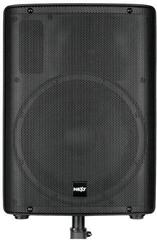
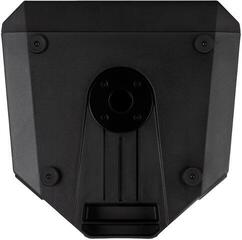
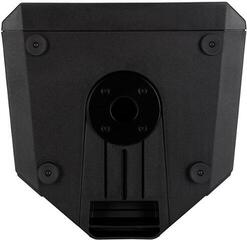
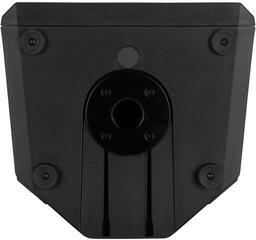
Do not put a speaker in a corner simply because it is out of the way; nearby walls and corners change low-frequency behaviour. Aim the high-frequency section towards listeners and raise it above the front rows if needed. For safe positioning, use a speaker stand with a suitable load capacity and mounting socket size.
A solid bass foundation
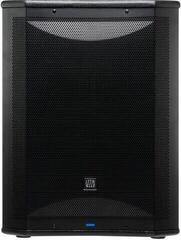
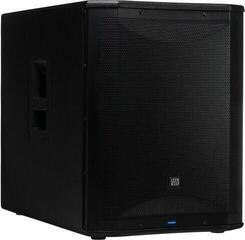
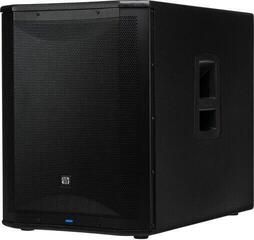
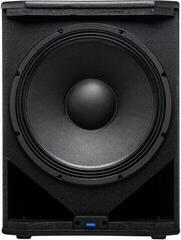
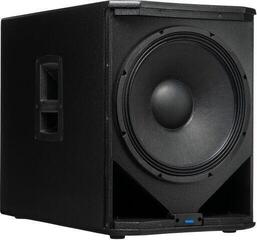
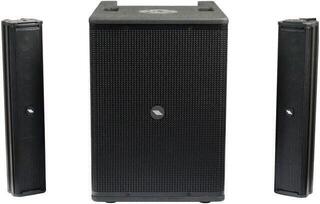
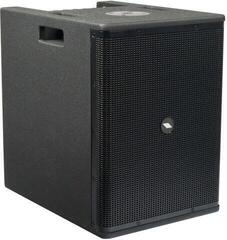
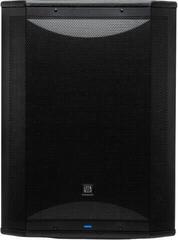
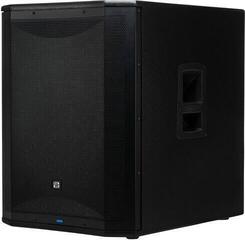
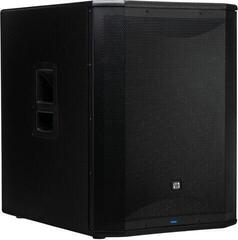
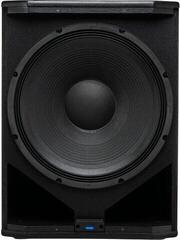
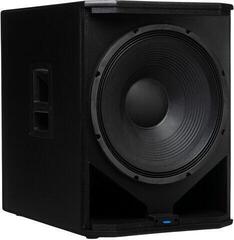
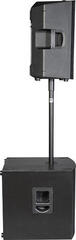
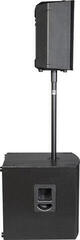
For dance music, drums or bass guitar, full-range speakers may lack bass output and headroom at the lowest frequencies. An active subwoofer has its own amplification and often provides outputs for the main speakers. Before connecting them, check that the system allows suitable crossover settings, level adjustment and polarity matching. Too much bass can harm mix clarity just as much as too little.
Monitoring for the performer
An active stage monitor gives a singer or musician their own mix. Active design alone does not automatically eliminate latency and distortion; the result depends on the entire signal path and its settings. Aim the monitor away from the microphone's sensitive side and increase the level gradually. If feedback occurs, first adjust placement and the problem frequency band, rather than just the overall volume.
Inputs, controls and processing
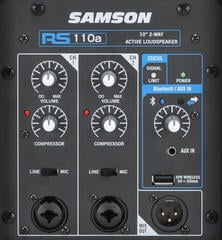
- Microphone input: check the connector type, gain control and whether the input provides the features your microphone needs.
- Line input: accepts a mixer, playback device or another line-level source. The connector alone does not determine signal level.
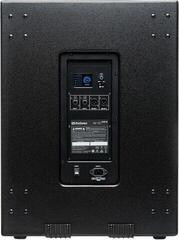
- Thru output: makes it easier to send the signal to another speaker or subwoofer. Check whether volume and processing settings affect it.
- Digital processing: main speaker, monitor or speech presets speed up adjustment, but their names and effects differ between models.
- Wireless playback: useful for background music or breaks; for live performance, consider the stability and latency of the particular connection.
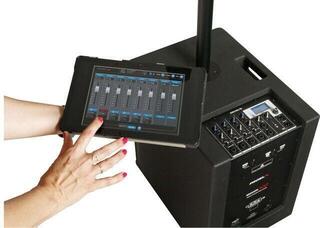
- Remote control: makes it easier to adjust settings from the audience area. Check the supported system and range of controllable functions.
Connecting without unnecessary noise
- Before connecting, turn levels down and switch devices off in the recommended order.
- Connect the source to an input of the correct level using a quality cable with appropriate wiring.
- Set the source output so the signal is strong enough without overloading the speaker input.
- Increase the speaker level gradually and watch the clipping or limiter indicators.
- Listen to the system from several audience positions, rather than only directly in front of one speaker.
Hum can be caused by poor cable routing, a damaged cable or a ground loop. Avoid long runs of signal cables close and parallel to power cables. Never disconnect the protective earth conductor of the mains supply; resolve the problem through correct power distribution, balanced signals or a purpose-designed isolation device.
Portability, mounting and protection
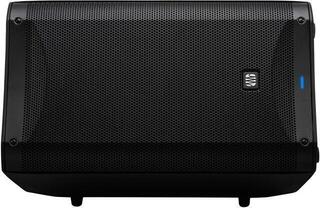
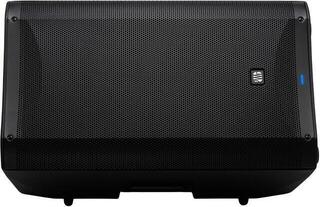
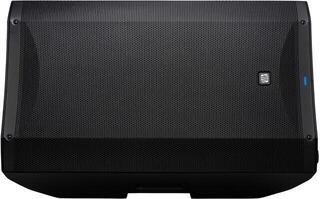
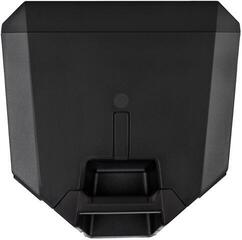
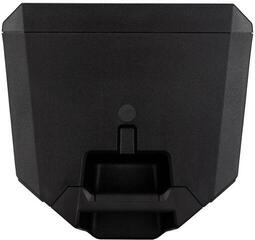
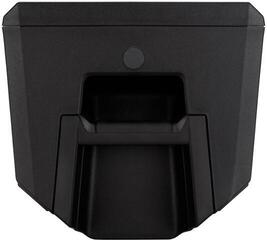
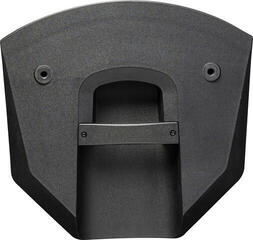
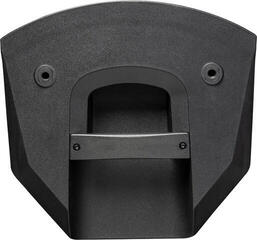
If you transport a speaker every week, check the handle positions and try whether you can lift it safely. Multiply the weight of one unit by the number of speakers and add stands, cables and any subwoofer. Wheels help on level ground, but not on stairs. The cabinet shape may allow horizontal use, but always confirm monitor mode and the correct orientation in the documentation.
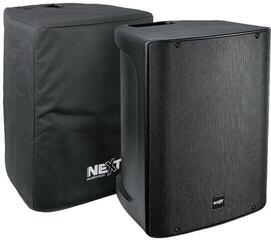
A cover protects the finish and control panel during transport, but does not replace rain protection during use. Keep ventilation openings clear and do not cover an active speaker while it is switched on. For permanent mounting, use only the designated points and accessories; a standard stand socket is not a rigging point.
System checklist
Before ordering, list all signal sources, the number of listeners and the shape of the space. Check whether you need a separate mixer, monitor, subwoofer or a complete system with components designed to work together. For every unit, check connectors, power requirements, dimensions, weight and mounting options. A less expensive model can handle a simple task just as well if it lets you avoid paying for features you will not use; suitability matters more than its price bracket.
For speech, straightforward controls and good coverage are valuable. A band needs enough mixer inputs, suitable monitoring and headroom without audible distortion. A DJ system often benefits from separate bass reinforcement. Breaking down your needs this way makes it easier to choose a system without vague promises or unnecessary components.